LogoRLU.AI
  • AI Photo Styles
  • Pricing
  • Blog
  • Contact
LogoRLU.AI

Transform your photos with AI. Discover the ReaL U - RLU.AI

Email
Featured on:
aibesttop AI Tools Directory|Featured on ShowMeBestAIFeatured on toolfame.comNextGen Tools BadgeFeatured on Dofollow.ToolsFeatured on saasfame.comAMZdir|Featured on findly.tools
Popular AI Styles
  • All AI Styles
  • AI Age Progression
  • Corporate Headshots Generator - AI Executive Headshot & Professional Business Portrait Maker
  • AI Headshot Background Generator - Professional Headshot Background & Red Background Portrait Maker
  • What to Wear for Professional Headshots - AI White Shirt Professional Headshot Generator
  • Grey Headshot Background - AI Gray Background Headshot & Neutral Background Generator
  • Business Casual Headshots - Free AI Casual Headshots & Casual Corporate Headshots Generator
AI Tools
  • Eyes Follow Mouse
  • AI Headshot for LinkedIn
  • AI Headshot Safety Checker
  • Casual LinkedIn Headshot
  • How to Take a LinkedIn Headshot
  • How to Take a Professional Headshot at Home
  • How to Take a Professional Headshot with iPhone
  • Headshot Prep Planner
  • What to Wear for LinkedIn Headshot
  • Medical Professional Headshots
  • Professional Headshots for Acting
  • Professional Headshot Booth Planner
  • Professional Headshot Cost Estimator
  • Professional Headshot Editing Tips
  • Professional Headshot Guidelines
  • Professional Headshot Pose
  • Professional Headshot Lighting Setup
  • Prompt for Professional Headshot
Resources
  • Pricing
  • Blog
Company
  • Contact
  • Partners
  • Waitlist
Legal
  • Privacy Policy
  • Terms of Service
© 2026 RLU.AI All Rights Reserved.Climate CommitmentTinyLaunch BadgeFeatured on ToolPilot

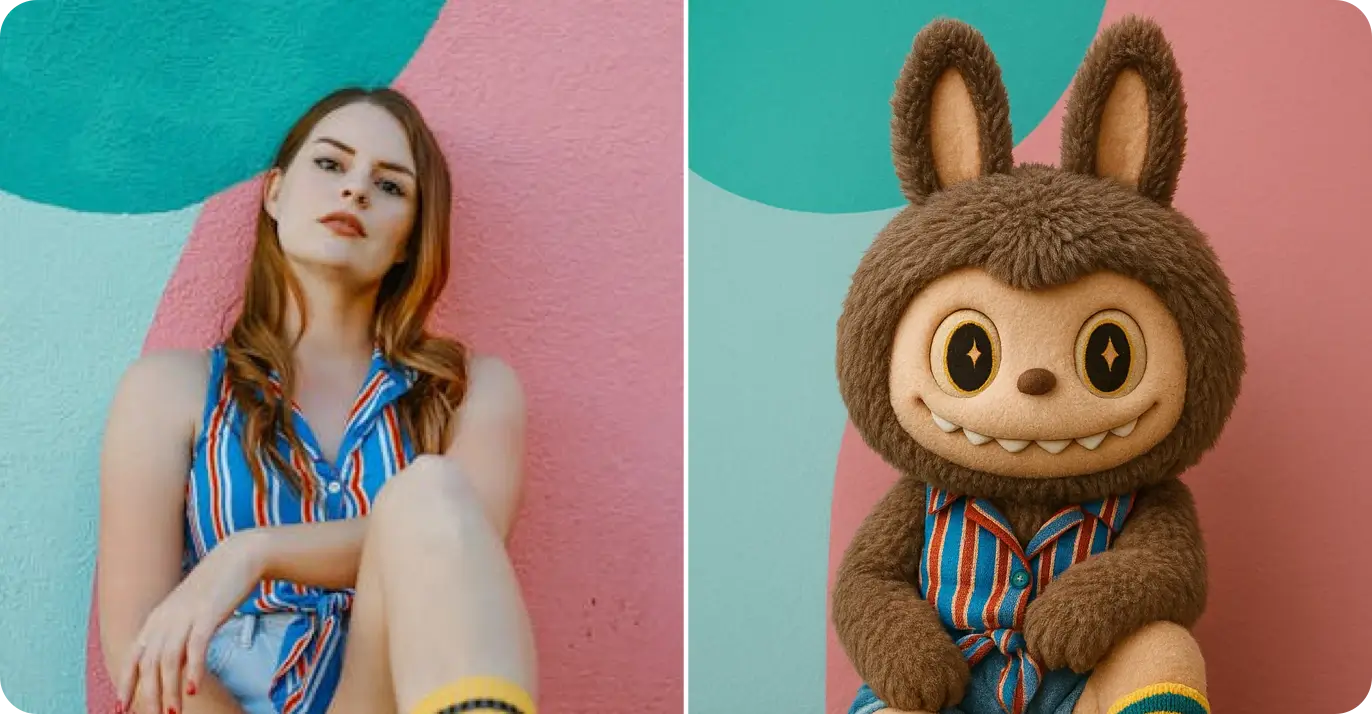
Plush Toy Cartoon Filter

Free AI plush toy filter & cute cartoon filter online. Transform photos into adorable kawaii plush toy style with our AI cartoon generator. Turn photo into cute stuffed animal cartoon instantly - no app download needed.

Plush Toy Cartoon Filter - Before and After
BeforeAfter

or drag and drop your image here

Transform Photos into Cute Plush Toys - Free AI Cartoon Filter & Kawaii Generator

Example Transformations

See how Plush Toy Cartoon Filter transforms your photos
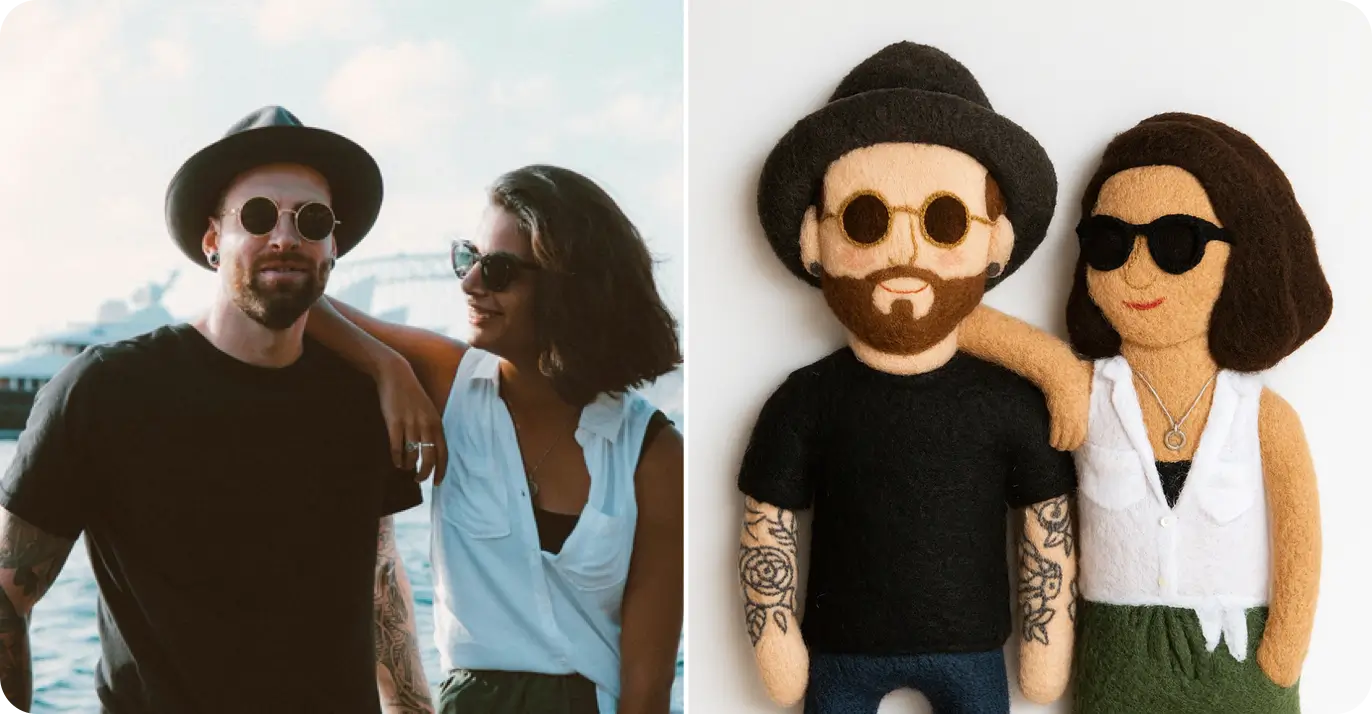
Free AI plush toy filter - cute cartoon filter and kawaii photo transformation - before
Before
Free AI plush toy filter - cute cartoon filter and kawaii photo transformation - after
After

Free AI cartoon generator: Transform photos with cute filter and kawaii plush toy style

Create the first example

Evidence & method

Proof you can reference

Examples shown are generated by RLU.AI. Results vary with lighting, background, and input quality—use a clear, front-facing photo for best results.

1

Examples shown

~30s

Typical processing time

76

Styles in the library

How It Works

Transform your photos into Plush Toy Cartoon Filter in three simple steps

1

Upload Your Photo

Choose a photo from your device or drag and drop it here

2

Plush Toy Cartoon Filter Features

Professional AI transformations with powerful features

Fast Processing

Get your Plush Toy Cartoon Filter transformation in seconds with our optimized AI

Answer-first summary

Summary

Create a Plush Toy Stuffed look with a creative finish. Upload one photo to get a clean result ready for Creative profile images and Stylized personal projects. Works best with clear lighting and a front-facing photo.

Key facts

  • Style focus: Plush Toy Stuffed
  • Category: Creative
  • Processing time: ~30s
  • Input: 1 photo
  • Output: styled portrait image
  • Best for: Plush Toy Stuffed portraits

Best fit guidance

Quick guidance to choose the right moment and get better results.

Best for

  • Plush Toy Stuffed portraits
  • Creative profile images
  • Stylized personal projects

Related Styles

Frequently Asked Questions

Everything you need to know about Plush Toy Cartoon Filter transformations

Can't find what you're looking for? Contact support

Ready to Try Plush Toy Cartoon Filter?

Transform your photos in seconds with professional AI quality
AI Transforms

Our AI processes your image in seconds with professional quality

3

Download Result

Get your transformed image instantly and share it anywhere

Secure & Private

Your photos are processed securely and automatically deleted after transformation

High Quality

Professional-grade Plush Toy Cartoon Filter transformations with stunning detail

Not a fit

  • Official ID photos
  • Strictly realistic portraits
  • Corporate headshots

Tips

  • Use even lighting for consistent texture
  • Keep the subject centered
  • Avoid low-resolution inputs

Proof points

Clear facts that describe how this style behaves in practice.

30s

Avg processing time

1 photo

Input needed

2 images

Before/after preview

Details

Deeper context on results, inputs, and practical usage.

Detail 1

Transform your photos into adorable plush toy style with our free AI cartoon filter. Our cute filter and kawaii photo generator creates charming stuffed animal cartoon transformations that capture the soft, cuddly aesthetic of beloved plush toys. Turn photo into cute cartoon with authentic kawaii filter effects - big expressive eyes, soft rounded features, pastel colors, and that irresistibly adorable plush toy charm. Perfect for creating cute cartoon filter art for social media, kawaii avatars, or personalized gifts featuring your favorite people as adorable stuffed animals.

Photo Editor Stuffed Doll Soft Toy Kawaii

Photo Editor Stuffed Doll Soft Toy Kawaii

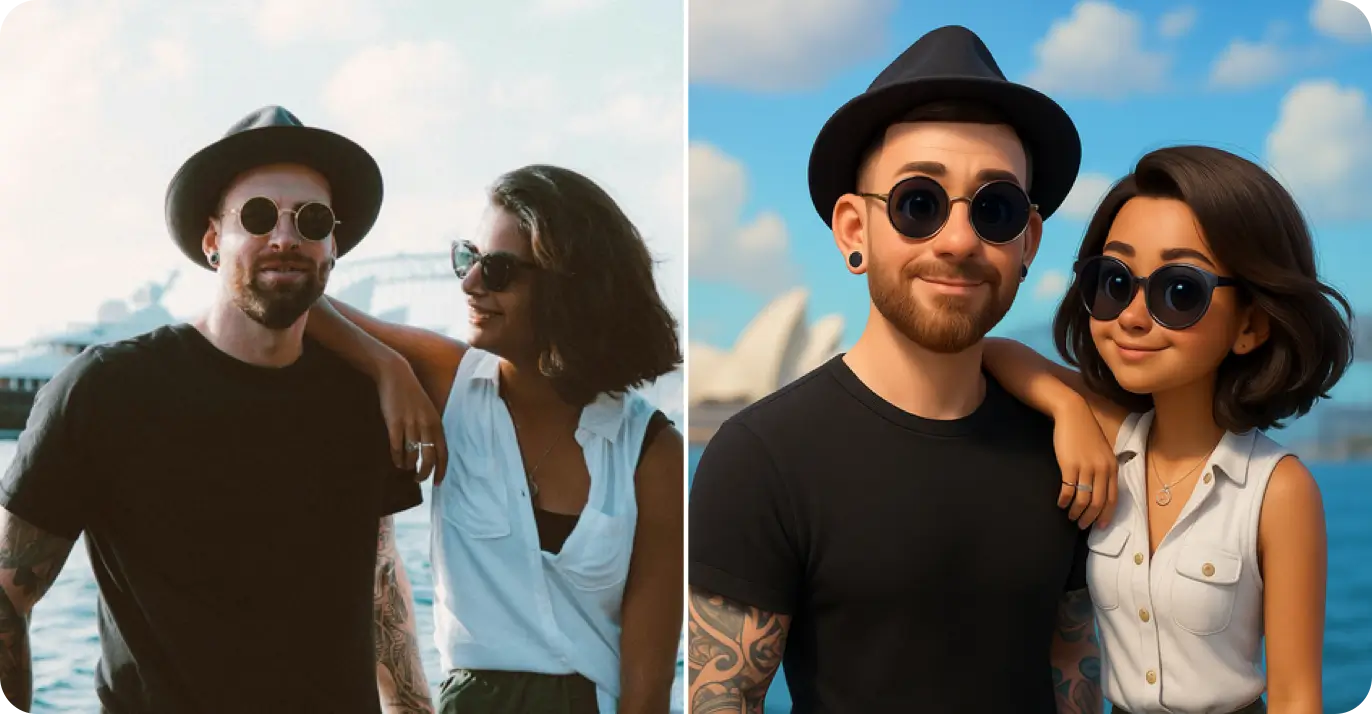
3D Character Filter - Transform Photos into 3D Cartoon Characters

3D Character Filter - Transform Photos into 3D Cartoon Characters

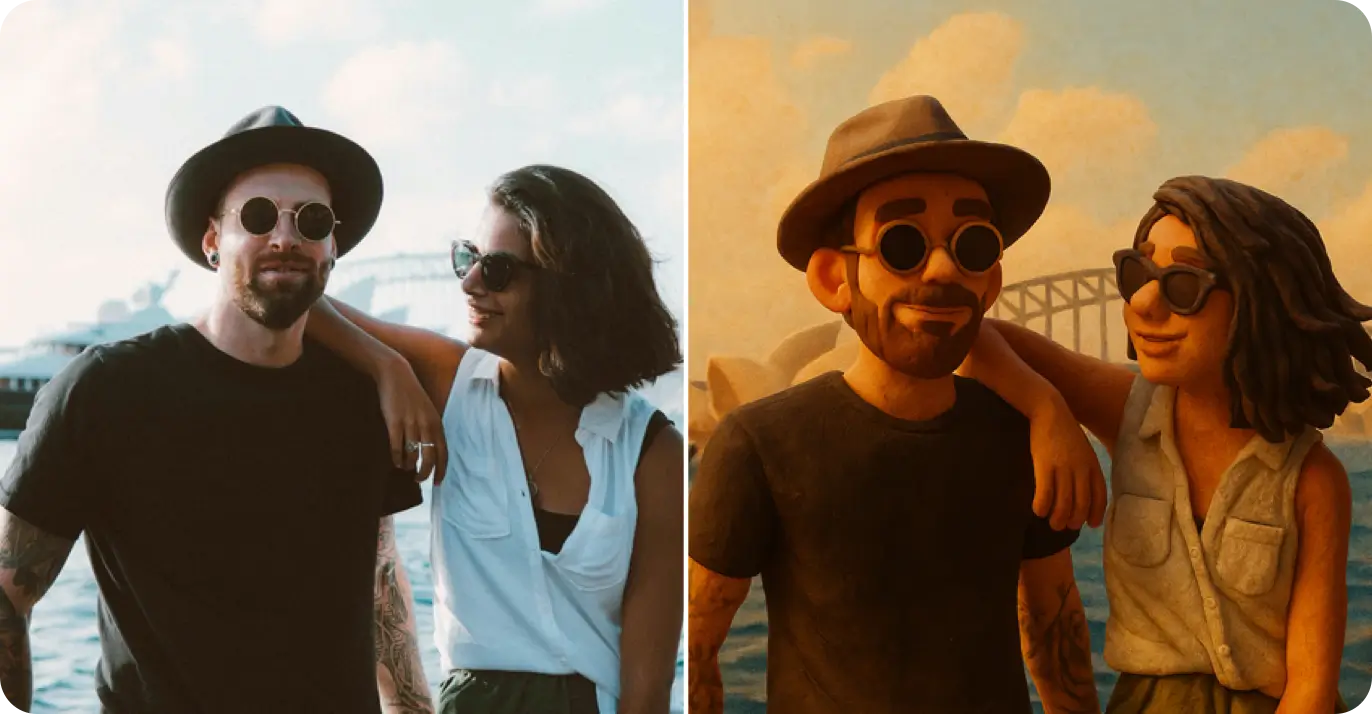
Photo Filter Claymation Clay Stop Motion Animation

Photo Filter Claymation Clay Stop Motion Animation

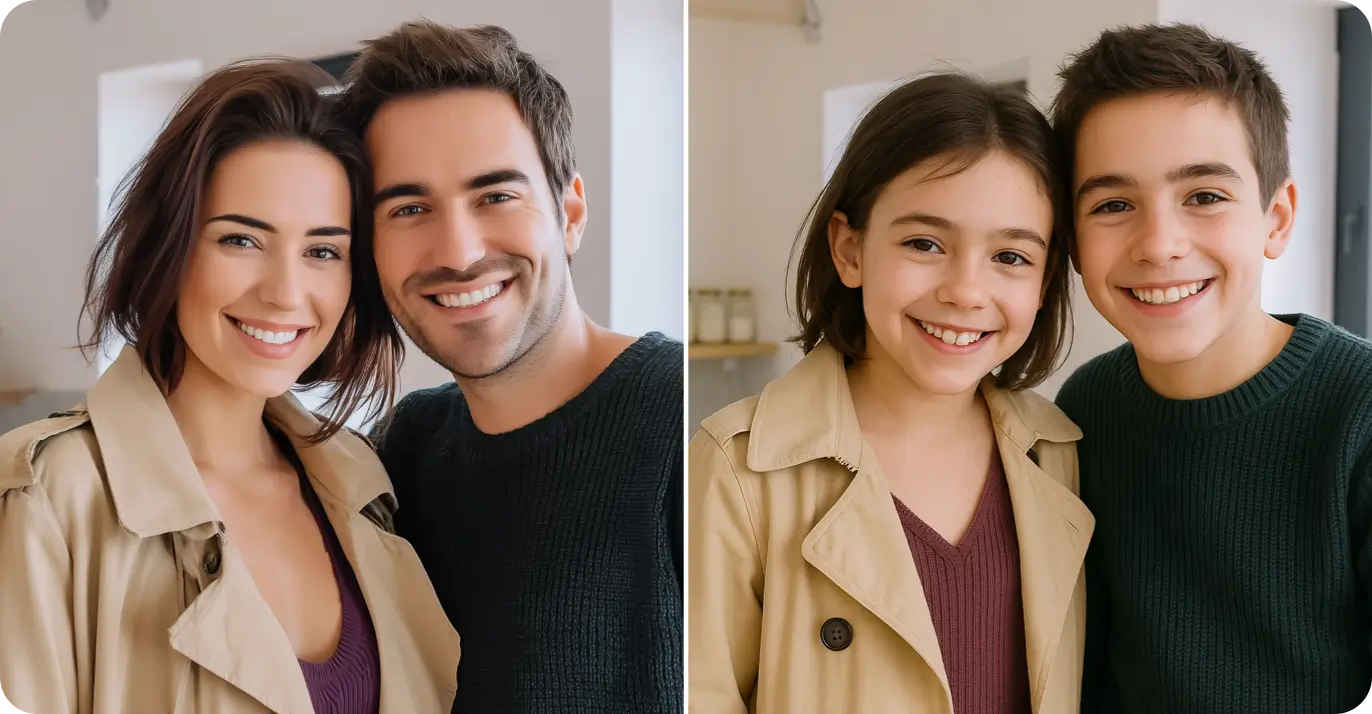
Make Me Look Younger - Youthful Face Filter

Make Me Look Younger - Youthful Face Filter